
Introduction
In the age of on-demand content, owning a Google streaming device can completely transform your home entertainment experience. Whether you’re a binge-watcher, casual streamer, or a smart home enthusiast, devices like Chromecast and Android TV offer a world of possibilities. With the ability to cast directly from your smartphone or explore a fully integrated Google TV interface, users can enjoy a seamless blend of technology and content.
This deep dive into Chromecast and Android TV features will walk you through everything from setting up your device to exploring advanced voice controls, multi-user support, and smart home integration. Learn how to use voice commands with Google Assistant, build custom watchlists, and access thousands of apps through the Google Play Store. If you’re looking to upgrade your TV without replacing it or want a more powerful way to manage your streaming life, unlocking the full potential of your Google streaming device starts right here.
Comprehensive Features and Specifications of Google Streaming Devices
| Features | Details |
|---|---|
| Device Types | Chromecast with Google TV, Android TV devices |
| Launch Year | Android TV launched in 2014; Google TV interface introduced in 2020 on Chromecast with Google TV |
| Operating System | Both run on Android OS base |
| User Interface | Android TV: app-centric grid layout; Google TV: content-first, personalized recommendation system |
| Content Discovery | Android TV: basic recommendations; Google TV: advanced AI-powered suggestions and aggregated content |
| App Store | Google Play Store access on both, with Google TV having curated selections |
| Voice Control | Google Assistant integration on both; Google TV offers enhanced voice control features |
| Remote Control | Chromecast with Google TV includes a remote with Google Assistant button for voice commands |
| 4K Streaming Support | Chromecast with Google TV supports up to 4K HDR at 60fps |
| HDR Formats Supported | HDR10, HDR10+, Dolby Vision |
| Audio Formats Supported | Dolby Digital, Dolby Digital Plus, Dolby Atmos |
| Casting Support | Chromecast built-in on both Android TV and Google TV devices |
| Smart Home Integration | Google Assistant enables smart home control via voice commands |
| Personalized Features | Google TV supports multiple user profiles, watchlist synchronization, and advanced parental controls |
| Idle Screen Features | Android TV supports Glance TV for dynamic content feeds on idle screen |
| Hardware Requirements | Android TV can run on lower-end hardware; Google TV requires more recent hardware |
| Upgrade Path | Some Android TV devices may upgrade to Google TV via firmware updates, depending on manufacturer support |
| Popular Brands | Android TV: Sony, Mi, OnePlus, TCL; Google TV: Chromecast with Google TV, Sony, TCL |
| Device Size | Chromecast dongle approx. 6.4 x 2.4 x 0.5 inches; remote approx. 4.8 x 1.5 x 0.7 inches |
What Is a Google Streaming Device?
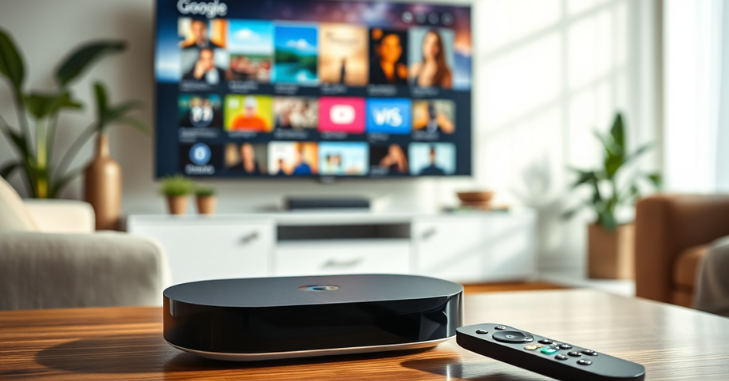
A Google streaming device refers primarily to Chromecast and Android TV-powered gadgets, such as Google TV dongles or smart TVs with built-in Google operating systems. These devices enable users to stream video, music, games, and apps directly to their television via Wi-Fi. With growing support for Google Assistant, YouTube TV, Netflix, Disney+, Hulu, and numerous others, these tools are redefining home entertainment.
Whether you’re casting content from your phone or using a remote to navigate an intelligent interface, a Google streaming device provides a seamless and flexible multimedia experience.
Chromecast vs Android TV: What’s the Difference?
Though often grouped, Chromecast and Android TV (now rebranded as Google TV in most new devices) serve different purposes.
Chromecast:
- A casting-only device.
- Relies on a smartphone, tablet, or Chrome browser to play content.
- It features a simple interface with no on-screen menus.
- It is ideal for users who prefer controlling everything from their phone.
Android TV / Google TV:
- A fully-featured smart OS.
- It comes with its own remote control and TV interface.
- Apps can be downloaded and installed straight from the Google Play Store onto the device.
- Offers personalized recommendations, voice control, and a built-in Google Assistant.
The newer Chromecast with Google TV blends the best of both worlds by supporting both casting and a built-in interface powered by Google TV.
Easy Setup and User-Friendly Navigation
Setting up a Google streaming device is refreshingly simple:
- Plug the device into an HDMI port.
- Connect to Wi-Fi.
- Pair with the Google Home app.
- Link streaming accounts.
Once activated, the intuitive interface allows for easy browsing. Users can search by genre, actor, or app and even organize favorites into a personal watchlist. The integration with your Google account syncs viewing history and recommendations across devices.
Voice Control with Google Assistant
A standout feature of Google’s streaming system is its built-in Google Assistant, allowing you to press the remote’s voice button or say “Hey Google” (when paired with a speaker) to access voice controls.
- Launch apps or movies (“Play Stranger Things on Netflix”)
- Control smart home devices (“Dim the living room lights”)
- Ask questions (“What’s the weather tomorrow?”)
- Manage playback (“Pause the movie” or “Skip ahead 2 minutes”)
This feature enables a hands-free experience, enhancing accessibility for all users.
App Compatibility and Streaming Services
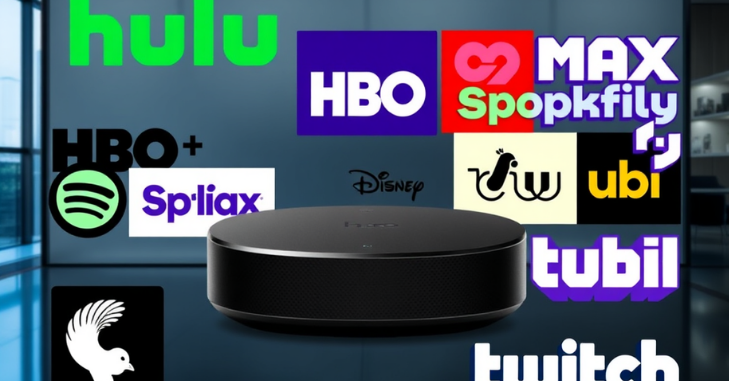
A Google streaming device gives you access to thousands of apps via the Google Play Store. Some of the most popular platforms include:
- Netflix
- YouTube & YouTube TV
- Amazon Prime Video
- Hulu
- Disney+
- HBO Max
- Spotify
- Plex
- Tubi
- Peacock
- Twitch
You can also sideload apps for additional customization, making Android TV more flexible than many competitors.
Personalized Recommendations and Watchlists
Google TV takes personalization seriously. Based on your viewing habits across apps, it recommends new shows, movies, and YouTube videos directly on the home screen. It also shows trending content across multiple platforms, so you don’t miss what’s popular.
Additionally, you can build a unified watchlist across apps. Whether you’re browsing on mobile or Google Search, you can hit “Add to Watchlist,” and it will automatically sync with your Google TV dashboard.
Multi-User Support and Parental Controls
For households with multiple users, Google streaming devices offer multi-profile support. Each family member can have:
- Personalized recommendations
- Watchlists
- Separate app access
- Unique content preferences
There are also robust parental controls via Google Family Link, allowing parents to:
- Restrict screen time
- Approve app downloads
- Filter content by rating
This ensures a safe and age-appropriate environment for kids.
Seamless Integration with Google Ecosystem
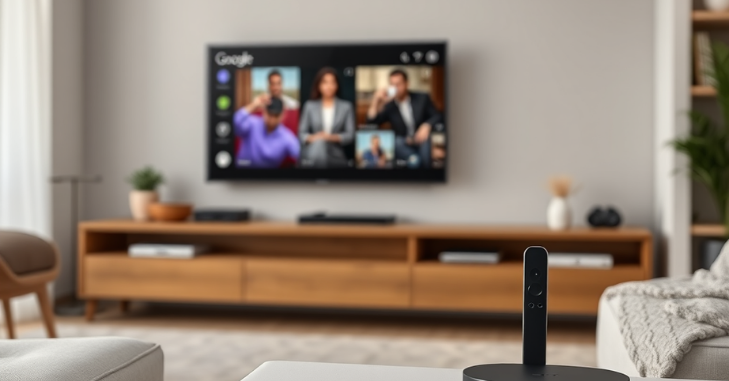
Suppose you already use Google Nest speakers, smart bulbs, security cameras, or thermostats. In that case, your Google streaming device becomes a command center for your smart home.
With voice commands, you can check Nest doorbell video directly on your TV and manage lights or room temperature hands-free. It brings a futuristic convenience that integrates entertainment with lifestyle.
Cast from Any Device — Android, iOS, or Laptop
One significant benefit of Chromecast technology is its ability to cast across multiple platforms. It works with:
- Android phones and tablets
- iPhones and iPads
- Windows and macOS computers via Chrome browser
You can cast YouTube videos, Spotify playlists, or even mirror your screen. It’s perfect for sharing vacation photos, conducting Zoom calls on a large display, or giving presentations.
Gaming with Google Streaming Devices
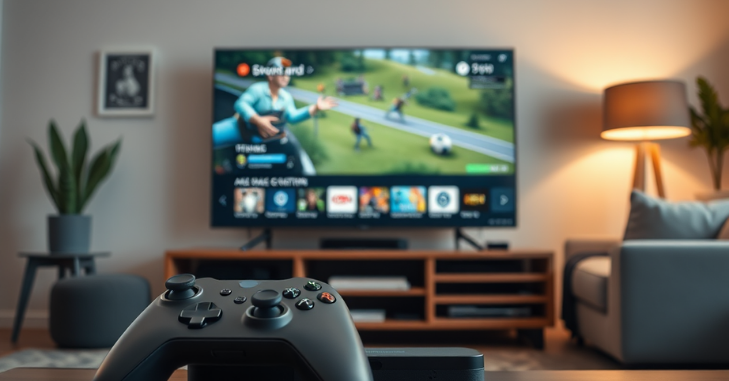
Although not designed solely for gaming, Android TV and Google TV support cloud gaming through services like:
- NVIDIA GeForce NOW
- Xbox Cloud Gaming (via web)
- Steam Link
- Google Play games
You can pair Bluetooth controllers, such as those for Xbox or PlayStation, and enjoy casual or cloud-based gaming with minimal setup.
Affordable and Scalable Entertainment Solution
Compared to high-end smart TVs or bulky cable boxes, Google streaming devices are affordable and incredibly scalable.
For under $50, you can get a Chromecast with Google TV that:
- Supports 4K HDR video
- It comes with a voice remote.
- Integrates with all major streaming apps
- Turns any old TV into a smart TV
Conclusion
Google streaming devices have evolved into much more than just tools for watching TV—they are now central hubs for entertainment, personalization, and even smart home control. Whether you opt for the minimalist ease of Chromecast or the feature-rich experience of Google TV, you’re stepping into a flexible and future-ready platform. From voice-activated browsing to 4K content support, app diversity, and seamless device integration, the Google streaming ecosystem delivers exceptional value without complexity. These devices make it easy to cut the cord on traditional cable while still accessing top-tier content across Netflix, YouTube TV, Disney+, and more. With regular updates, multi-user profiles, and Google Assistant built in, they’re designed to grow with your needs.
Want to know about “Flir One Edge Pro Review: A Portable Infrared Camera Perfect for DIY Enthusiasts and Professionals” Check out our “Tech” category.
Frequently Asked Questions (FAQs)
Google’s streaming device is called the Google TV Streamer. It’s a 4K media box that runs Google TV, offering smooth performance, smart home integration, and access to major streaming apps.
Yes, the Google TV Streamer is an evolution of Chromecast, offering a similar streaming experience but with upgraded hardware and features.
Bring your home theater to life with crisp 4K playback, vivid Dolby Vision, and immersive Dolby Atmos audio using the Google TV Streamer. It also acts as a smart home hub, allowing you to control connected devices directly from your TV.